The Tyranny of User Stories
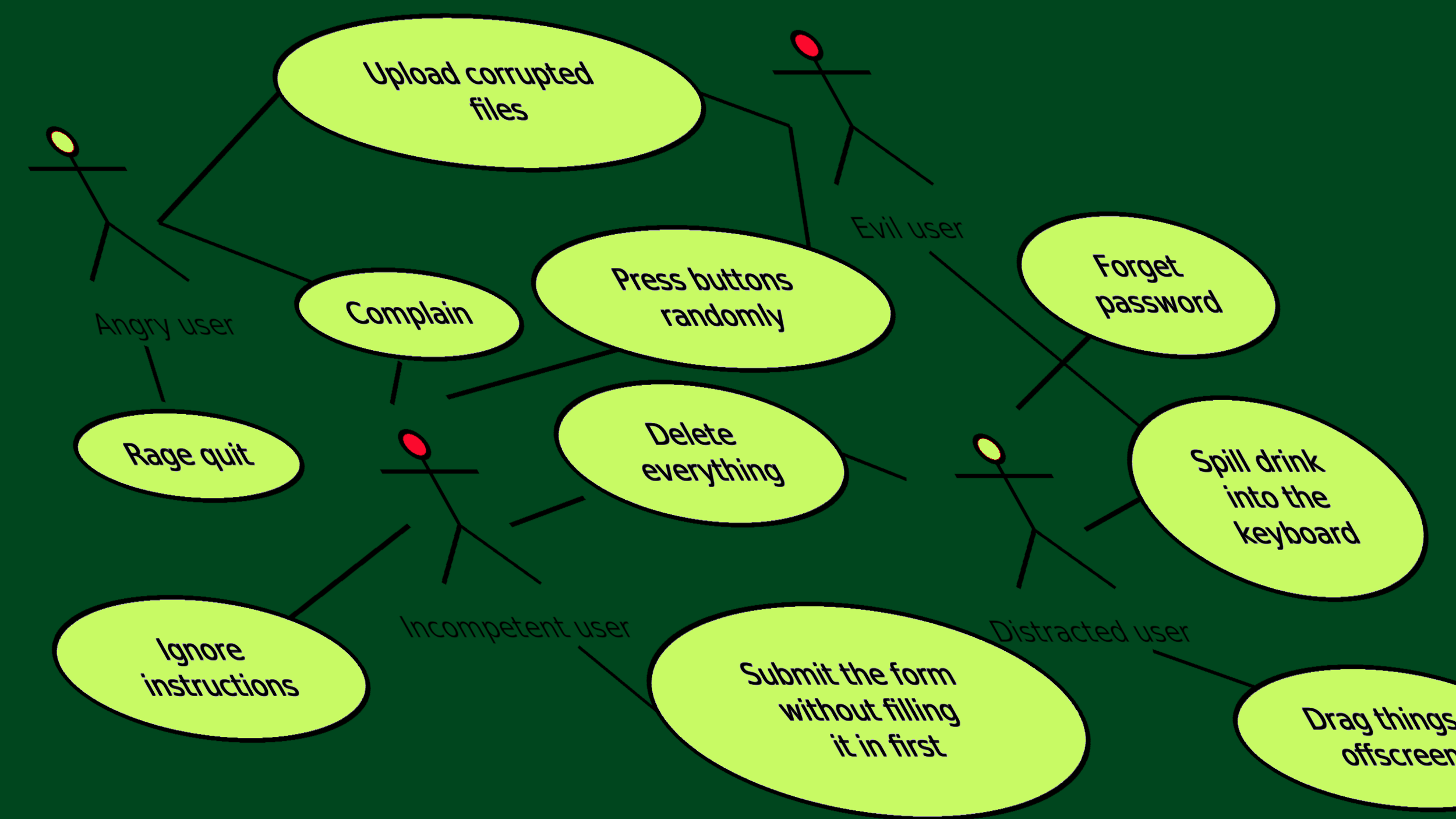
“You must use user stories when building your service - they’re essential to building and running a service that meets user needs.”
Modern software development practice revolves around user stories or use cases; specifying the requirements of a system in terms of a list of things users of the system will want to do. User stories tend to be broad and focus on the end goal: “As a UK resident, I want to apply for a driving licence, so that I can drive a vehicle legally”; these can then be elaborated into more detailed use cases that detail the steps required (creating an account, submitting an application, coming back to check on the status of an application, etc).
Largely, this is a good thing. When we’re down in the weeds building a particular feature, such as a page that lets the user update their details, it’s important to be able to remind yourself why the user will need this feature; it might be part of several user stories, and the developer needs to make sure they’ve catered for all those different requirements. Many months might pass between the initial design of a system and the final stages of testing before the users are unleashed upon it, and many things might be forgotten in that time; but a written list of user stories and use cases, agreed with stakeholders as the requirements for the system, mean that the implementation team can check they’ve built the system correctly.
This is great - but it can still lead to bad systems that users don’t love. User stories are a great tool; but it’s wrong to assume that if your system provides use cases to meet all the user stories, then it’s exactly what the users need.
Dealing with multiple paths
In many systems, users might need to take different paths to achieve the same goal, because their particular needs are different.
Two common reasons for this are different skill levels and differing scale. A user who is using your system for the first time, and just has a single transaction to perform, has very different needs to somebody whose job is to submit a hundred transactions every day; but the user story is arguably the same. And sometimes there may be functional variants on the user story, such as applying for different classes of driving licence to drive different kinds of vehicles, or submitting an application on behalf of another person, or handling extra sections in the application because the applicant has a disability that might affect their driving.
Often this is handled by creating different user personas in order to split the user stores. “As a casual user, I want to do X so that I can Y” and “As a regular user, I want to do X quickly and easily so that I can Y several times”.
However, this glosses over important information. How does a casual user turn into a regular user, if they find themselves using the system more and more often for some reason? Is there a user story for training to become a regular user? What sort of scale do we expect regular users to operate at - tens of transactions a week, or hundreds an hour?
In practice, such varied needs are usually handled by providing a path for new, untrained, users to perform the task with maximum hand-holding from the system: government digital teams have finely honed the process of building these, and GOV.UK is full of wonderful examples of this. Then for other classes of users, separate interfaces are built that provide a “bulk import” process, perhaps involving uploading a spreadsheet; or an API interface. Both of these have their own user stories about applying for an institutional login or API key, and specialist documentation that users are expected to read first before using the system.
Often, such duplicate user stories are casualties of prioritisation. In principle, a user who needs to submit a hundred transactions a day can still use the hand-holding multi-step process with lots of explanatory steps; that user story still meets their needs. So if timelines and resources are tight, it’s tempting to drop the separate user story for a bulk upload process; the system will still, technically, meet everyone’s needs. But if 95% of transactions are submitted by bulk users, the majority of the users of your system will be cursing it.
Some systems aren’t amenable to breaking down into distinct user stories. That approach is very successful for a lot of typical government services, which are often based around particular transactions such as applying for a driving licence; but many software systems are more interactive in nature. I am writing this in a text editor; the user stories for that might be high level goals such as “write a new document” or “edit an existing document”, and then add features like “check spelling as I work” or “move a block of text within a document or between documents”, eventually breaking down to a vast number of fine-grained use cases revolving around moving the cursor, selecting text, inserting characters, and so on. But this would be a tremendous amount of documentation if phrased as user stories and use cases, and it would be hard to capture cross-cutting concerns such as how to present the document to the user while they are editing it. The design of a user interface, with text occupying most of the screen, scroll bars, menus, and so on arises from considering all the requirements of a text editor; but if the requirements are an unstructured list of a few hundred user stories, it’s hard work for a design team to produce a good design from that. Such crucial factors as what a document is are scattered around the user stories.
Solutions
The need for varied ways to do the same task should be mentioned at the user-story level, without splitting the user stories; and those differences can be addressed when the stories are elaborated into use cases. Differences in scale or skill might be handled the same way if they can be handled as variants within a single user experience (eg, pressing an “I am an expert, let me just enter everything into a single form” or “I have several applications to bulk-upload” button on the first page), but differences in scale that require totally different experiences such as institutional logins or APIs might be different enough to need different user stories with different user personas. If so, they should still be grouped together, putting the user stories into some kind of hierarchy rather than just an undifferentiated list. This will make it easier to ensure that the functionality available to regular and API users is kept synchronised, and keeps the list of user stories manageable!
A complex interactive system like a text editor is better specified by documenting a mental model for the user, of a document as being a list of paragraphs of text with styling attached; and then writing user stories and use cases in terms of that. This makes the user stories much simpler as they can refer to common concepts in the model, rather than needing to be standalone things; and stories can be grouped according to what parts of the model they involve, making it easier for the breakdown into use cases and subsequent implementation design of the system to be tackled in sections. Cross-cutting concerns such as the design of the user interface can be driven by the model, with reference to relevant user stories involving each part of the model where needed.
Conclusion
User stories are a great way to document the system’s requirements in a way that stakeholders can understand and developers can work from, but just writing a list of user stories is only enough for relatively simple systems. Systems with varying user needs leading to different ways to do the same thing, or many variants of a task that users might want to perform, or complex interactive systems that don’t break down into transactions very cleanly, require additional structure to group related user stories together; or documents that centralise cross-cutting user requirements such as a mental model of the system, that simplifies the user stories.
If your organisation is struggling to specify complex problems, and you keep ending up with solutions that don’t seem to quite fit despite following all the agile best practices - let us put our years of experience building simple solutions to complex problems to use by getting in touch!
Author

Tags: